Web server in WMC is the Nginx of Filter for the CID selected in the header. Saving a virtual host, a certificate, an upstream or a snippet sends it to API. The Filter applies the Nginx settings it receives from the API.
The same objects are described field by field in Nginx settings management.
Open Web server in the sidebar.
Backup in the page title stores the Nginx settings of the selected CID: global settings, virtual hosts, SSL certificates, Diffie-Hellman parameters, upstreams and snippets together. The same control is on each of those pages. Save stays to the right of it. Restore and compare are under System → Backups.
¶ Virtual hosts
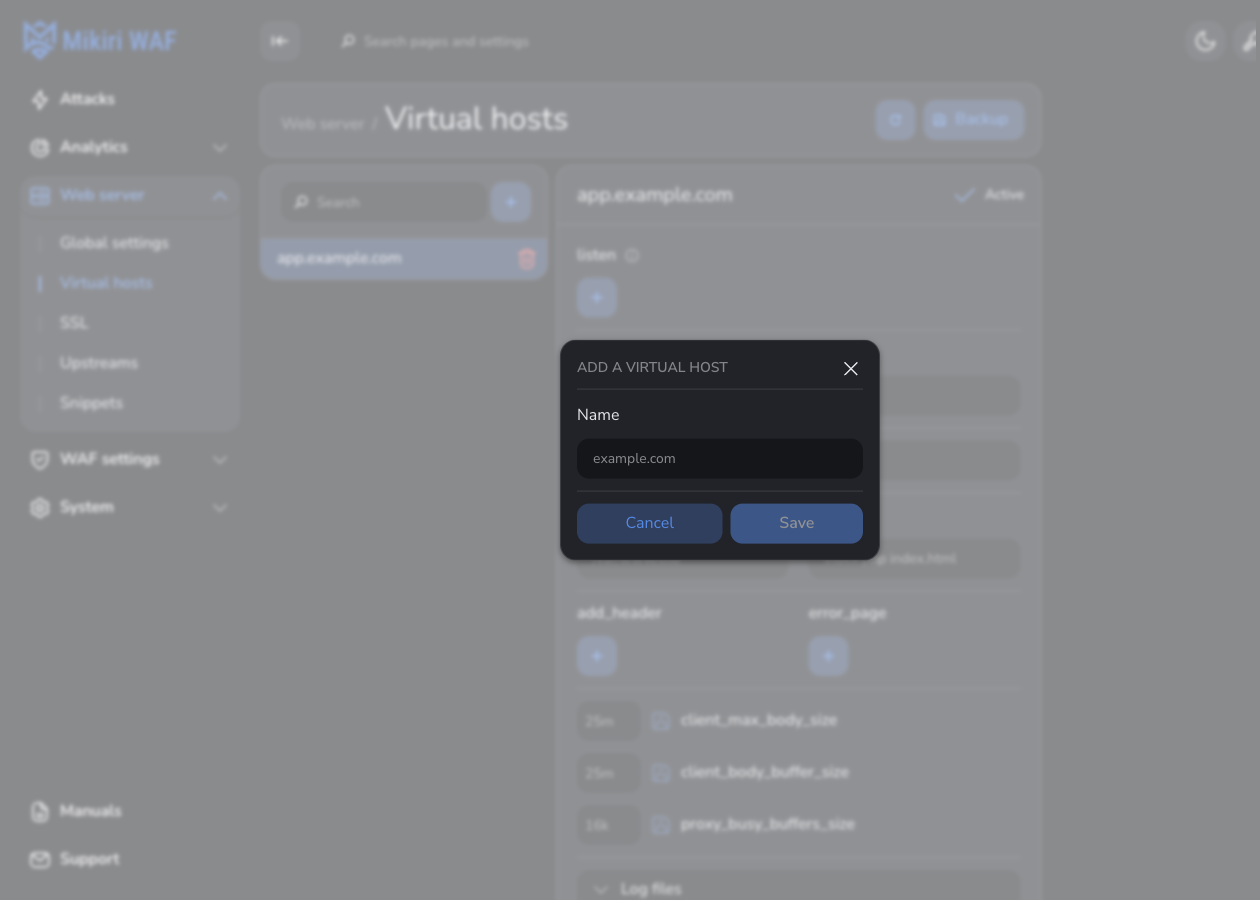
Virtual hosts lists the hosts of the selected CID. + next to Search opens Add a virtual host. The name is the host key, for example example.com. A green or red dot sits in front of the name in the list. Green means the host is served. Red means it is not. An inactive host name is dimmed, and its row has a red mark on the left. The editor header shows the name only.
A comment can be written under the host name. It stretches across the header and is stored with the host's save button. That button lights up when the comment has unsaved edits, the same way it does for other host changes. Spaces at the ends are removed when it is saved. WMC keeps it for the CID. It is not part of the Nginx configuration sent to Filter. The same text is shown under the name in the list. Search matches it.
Create a copy of this configuration is on the host row, before delete. It asks for a new name before it duplicates the saved host. The name has to be unique among the hosts of this CID, and it uses letters, digits, ., _ and -. The copy includes the comment. Unsaved edits are not copied.
The editor of a host:
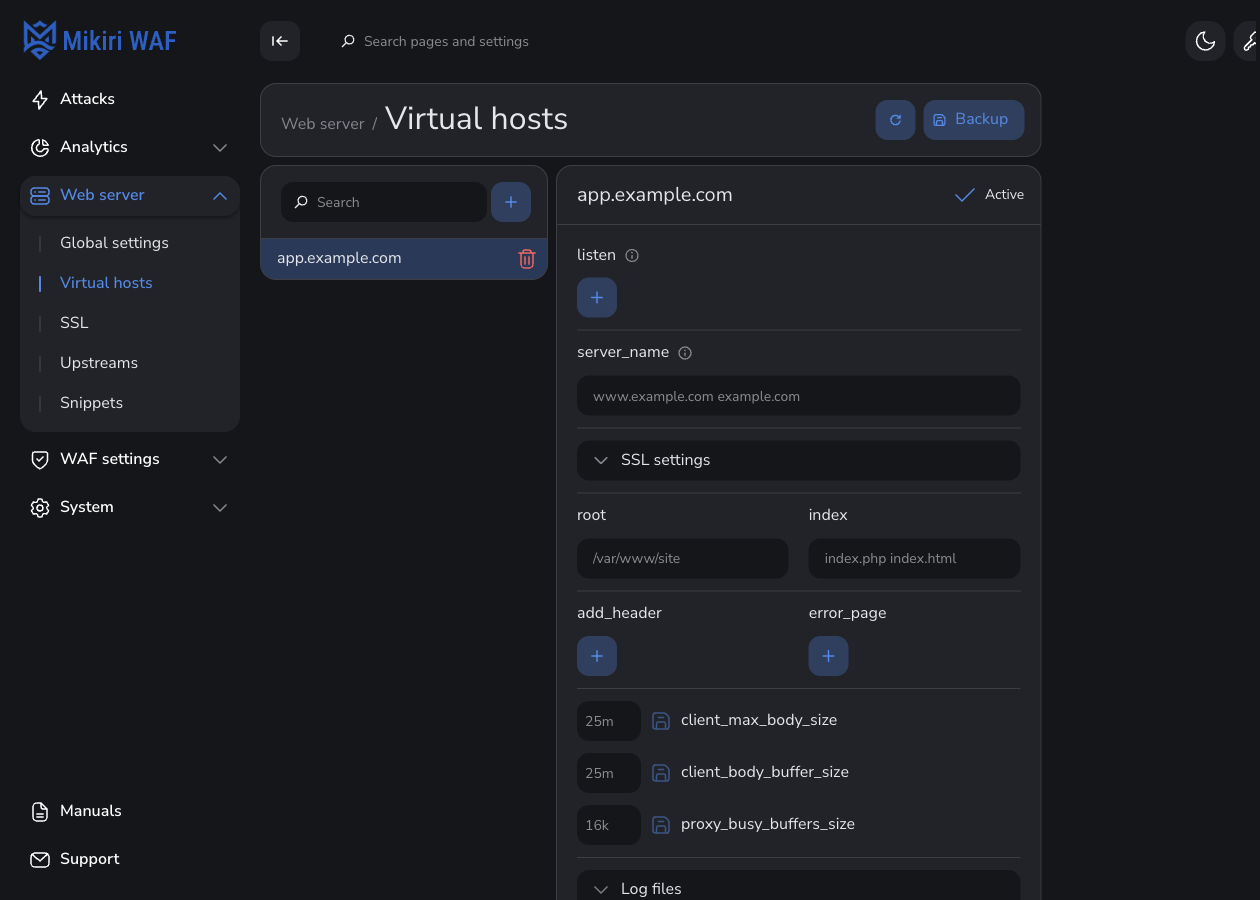
| Field | What to set |
|---|---|
| Active | The host is served only while this is on. |
| listen | Address and port. ssl belongs here when the host terminates TLS. default_server and proxy_protocol are optional. A UNIX socket (unix:) is allowed. listen takes 30% of the row and server_name takes the rest. |
| server_name | Names the host answers, separated by spaces. |
| SSL settings | Shown only when a listen address contains ssl. The certificate from SSL is required then. Saving a host whose listen has no ssl clears the certificate and the other SSL settings, so a leftover certificate does not block the save. Diffie-Hellman parameters are optional. Empty certificate, parameter, protocol, cipher and timeout controls keep a border. ssl_protocols is a short list and has no search box. A long ssl_ciphers value shows the first two names and a count of the rest, for example AES128-SHA:AES128-GCM-SHA256 +3. |
| Content | root, index, add_header, error_page, and the body and proxy buffer sizes. The section starts closed. A point beside the title means something inside is set. The add_header name and value start wide enough for the example and grow to the right as they are typed, so the beginning of the text stays visible. The add button tooltip is Add. Editing an existing add_header or error_page entry changes that entry: the first field is the name and the second is the value. A name already used by another entry is marked, and the form says the name is already used. The error_page hint bolds the value pattern [=code] uri; @name. |
| return | A response instead of a location, for example 301 https://$server_name$request_uri on the port 80 host. |
Save in the page title, opposite Virtual hosts, writes the host. The same button on Global settings, SSL, Upstreams and Snippets writes that page. It stays gray until the form differs from what is saved, then turns orange. A successful save does not show a confirmation.
¶ Location
Add location adds a location. Each path is unique on the host. pass_type chooses how the location answers:
| pass_type | Destination |
|---|---|
root |
A directory on the Filter. index and autoindex apply. |
alias |
A directory on the Filter. index and autoindex apply. |
proxy_pass |
An upstream or a URL, for example http://backend or http://10.10.10.1. |
waf_ws_proxy_pass |
The same, for a WebSocket location. Set proxy_http_version to 1.1. |
grpc_pass |
A gRPC upstream, for example grpc://backend. |
waf_grpc_pass |
A gRPC upstream whose requests are analyzed. |
memcached_pass |
A Memcached upstream. |
Typing proxy_pass, waf_ws_proxy_pass, grpc_pass, waf_grpc_pass or memcached_pass lists the upstreams already added. Choosing one fills in its name. An address that is not an upstream, such as an IP, can still be typed in full.
For a proxied location, proxy_set_header is a list of header names and values. Host and X-Real-IP are set here when the application must see the original host and the address of the visitor or the API client. An add_header or error_page entry keeps a visible edge on the location card. A long value stays inside that edge, and the full text is on the pointer.
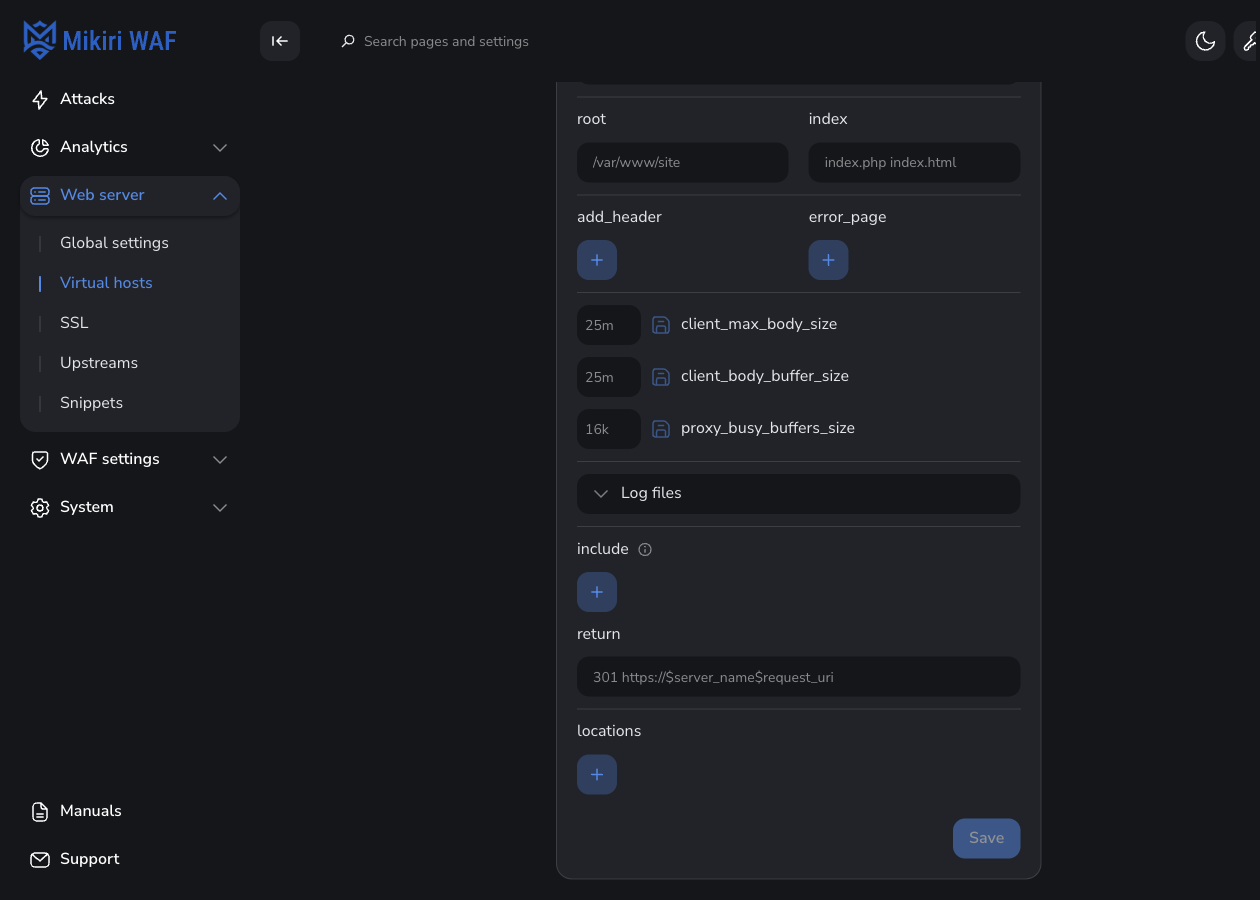
Add upstream on a proxied location opens Upstreams for a new upstream.
A reverse-proxy example, including WebSocket and gRPC, is in Configuring Filter as a reverse proxy.
¶ SSL
SSL has two tabs.
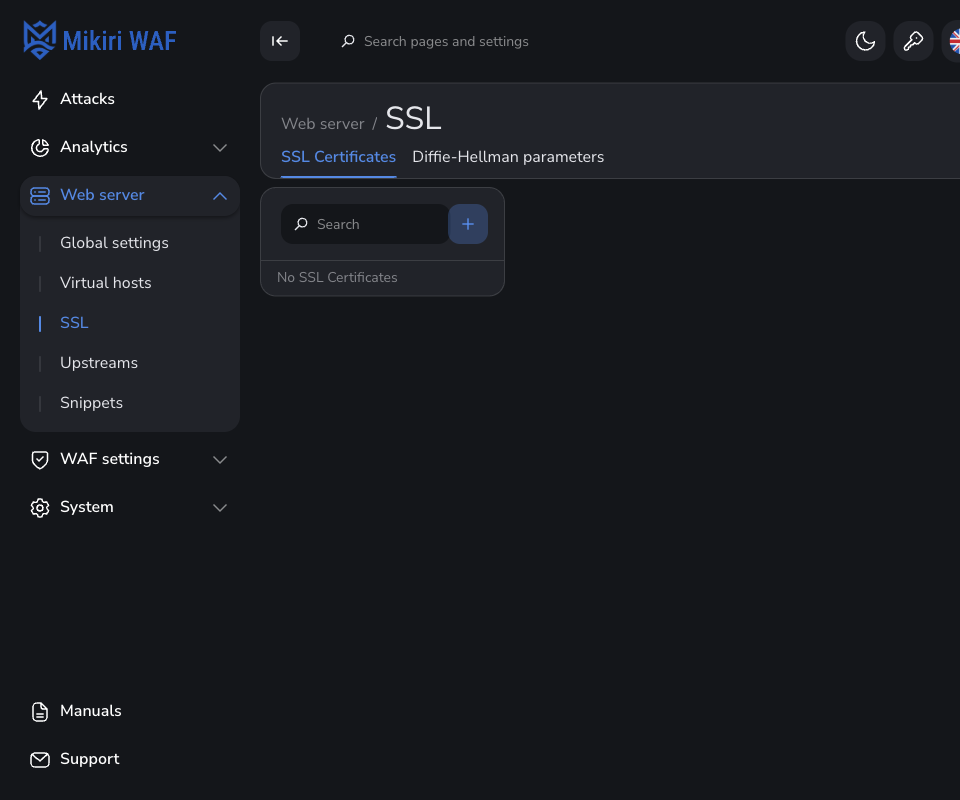
SSL Certificates. Add SSL Certificate takes a name, the certificate (-----BEGIN CERTIFICATE-----) and the private key (-----BEGIN PRIVATE KEY-----). The name is what a virtual host selects under SSL settings. Opening the text and clicking it does not turn on save. Save in the page title turns orange only after the certificate or the private key changes. The same applies to Diffie-Hellman parameters and snippets.
Diffie-Hellman parameters. Add Diffie-Hellman parameter takes a name and the parameter block, or Generate builds one.
¶ Upstreams
Upstreams. Add new upstream asks for a name. The editor has the balancing method and the servers.
Each server has an IP, weight, fail_timeout, max_fails, backup and down. The address on the server row is wide enough for an address and a port, and the field keeps its border when it is empty. The include picker lists snippet names under the heading Snippets, which stays fully visible above the list. At least one server of the upstream stays active. The number of servers is shown next to Servers. Add server appends a server to the list. Save in the page title writes that list. It stays gray until a server is active and the form differs from the saved upstream.
A location then uses that name as proxy_pass, for example http://backend.
¶ Global settings
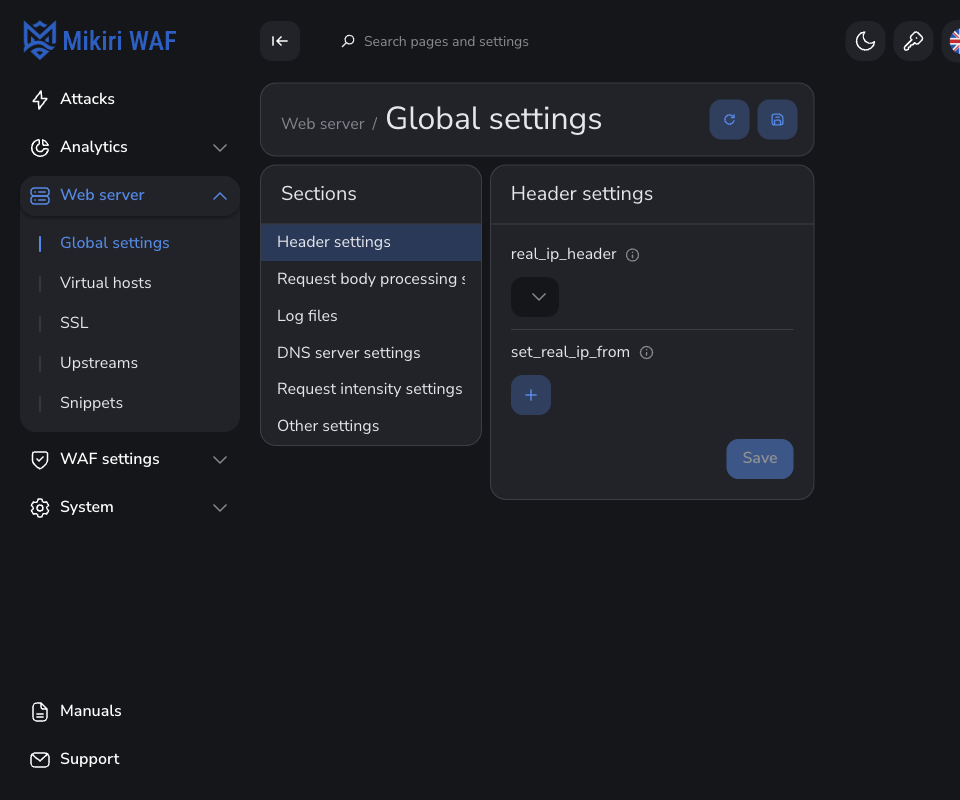
Global settings apply to the Filter Nginx when a virtual host or a location does not set the same directive. The groups are:
- Header settings:
real_ip_header,set_real_ip_from. Use these when a load balancer in front of the Filter passes the address of the visitor or the API client. The address field is the width of an IPv6 address with a prefix. - Body and buffer:
client_body_max_size,client_body_buffer_size,proxy_busy_buffer_size. - Log files:
access_log,error_log. The valueoffturns that log off. - DNS server settings:
resolver,resolver_timeout. - Request intensity settings:
limit_req_zone. - Other settings:
include, which pulls in a snippet.
¶ Snippets
Snippets stores Nginx fragments that are not a field of their own. Add snippet takes a name and the fragment, for example a gzip block. Enter in the fragment starts a new line, including a blank line, and spaces stay where they are typed. A virtual host, a location, or Global settings then includes that snippet. Next to a snippet name in include is Edit snippet. It opens that file. The save control turns orange when the text has changed. The close control asks whether to save that text or discard it.