The Filter answers a blocked request with its own page. The steps below replace that page for one virtual host. Create the snippet and attach it in WMC.
¶ Page file
On the Filter, copy the template:
cp /etc/nginx/mikiri-waf/html/custom-pages/403.html.default /etc/nginx/mikiri-waf/html/custom-pages/403.html
In /etc/nginx/mikiri-waf/html/custom-pages/403.html, set the support address that a visitor uses when a request was blocked. Remove the section if visitors should not write to support:
<a href="mailto:%PUT_YOUR_SUPPORT_EMAIL_HERE%">support</a>
¶ Snippet
Open Web server → Snippets. + creates a snippet. Set Name to custom-pages and Content to:
## error pages
error_page 403 =222 /403.html;

## locations
location /403.html {
    internal;
    root mikiri-waf/html/custom-pages/;
    proxy_no_cache 1;
    proxy_cache_bypass 1;

    add_header host $host always;
    add_header x-request-id $request_id always;
    add_header x-remote-ip $remote_addr always;
    add_header x-waf-bt $waf_block_type always;
    add_header x-waf-cc $waf_cc always;
}
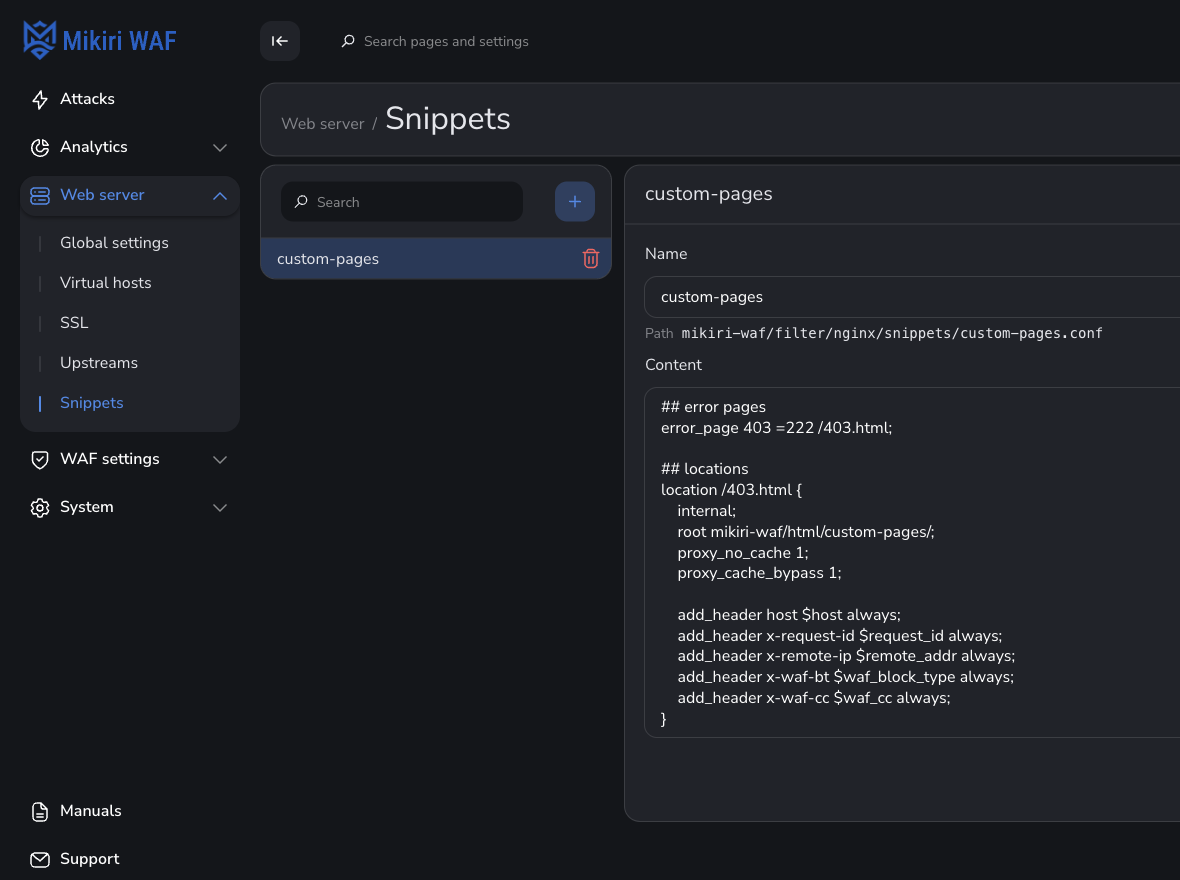
Save. The file on the Filter is mikiri-waf/filter/nginx/snippets/custom-pages.conf.
What the headers show on the page is described in Headers of Mikiri WAF.
¶ Virtual host
Open Web server → Virtual hosts and select the host that should return this page. Below Log files, the field include lists files and snippets. + adds a value. Enter custom-pages.
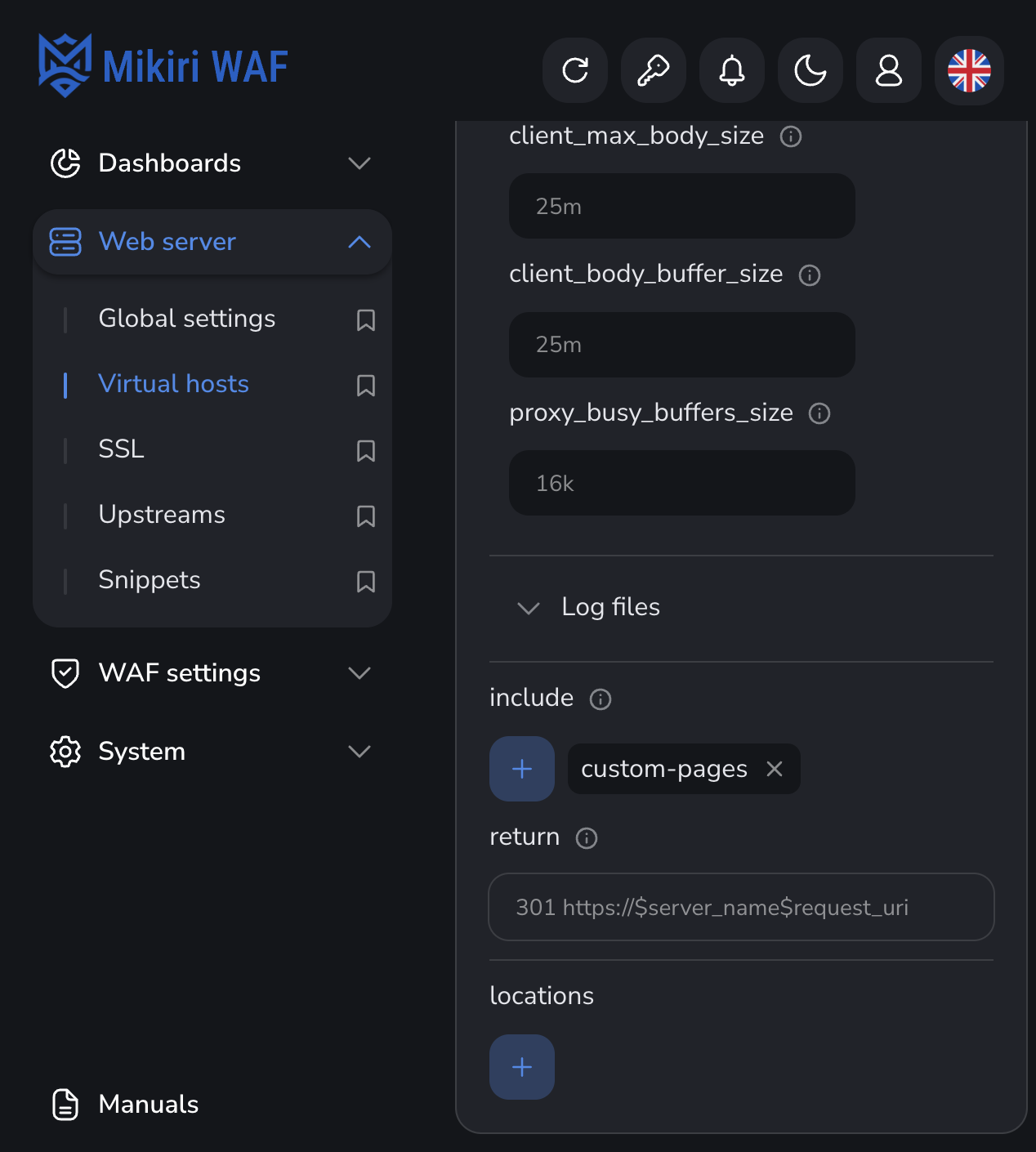
WMC stores that choice as mikiri-waf/filter/nginx/snippets/custom-pages.conf.
Save. The snippet applies only to that host. Request the test signature. The response is the page from 403.html:
curl -i http://%WAF SERVER%/mikiri-waf-test